Your menu, on their
table.
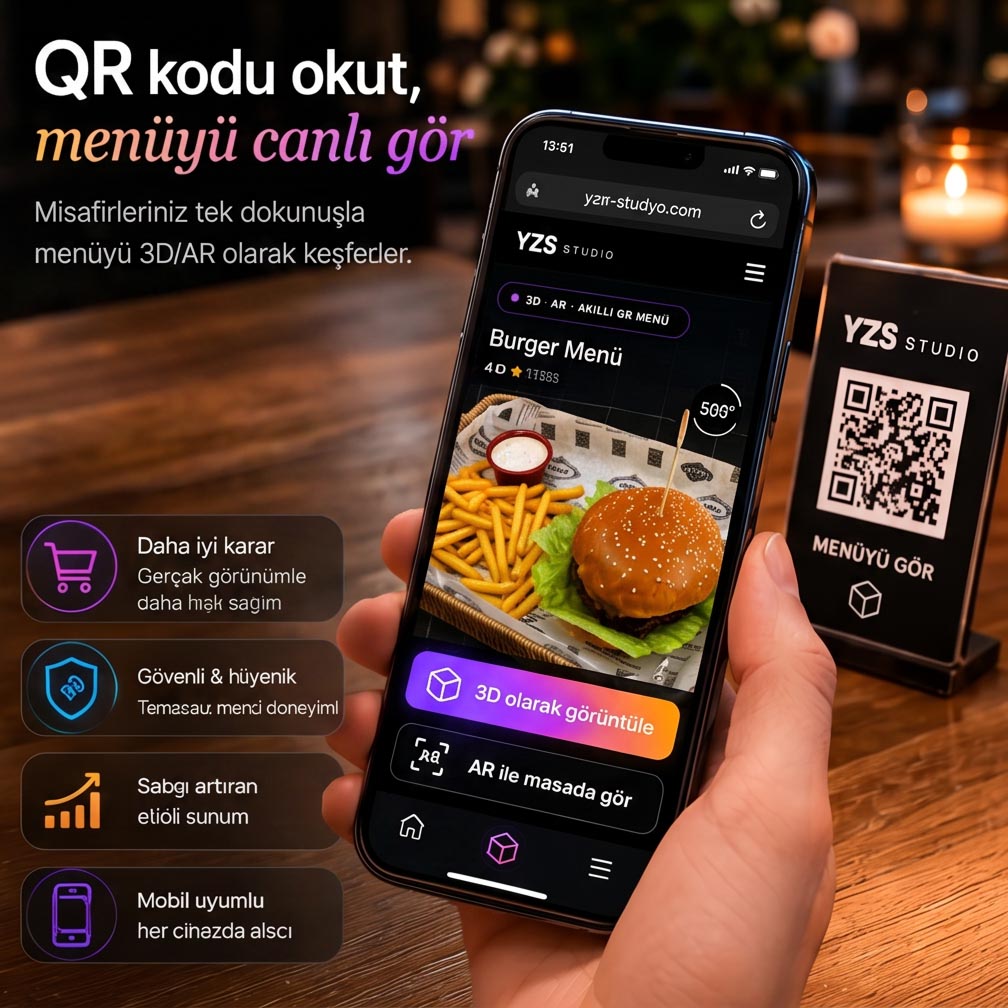
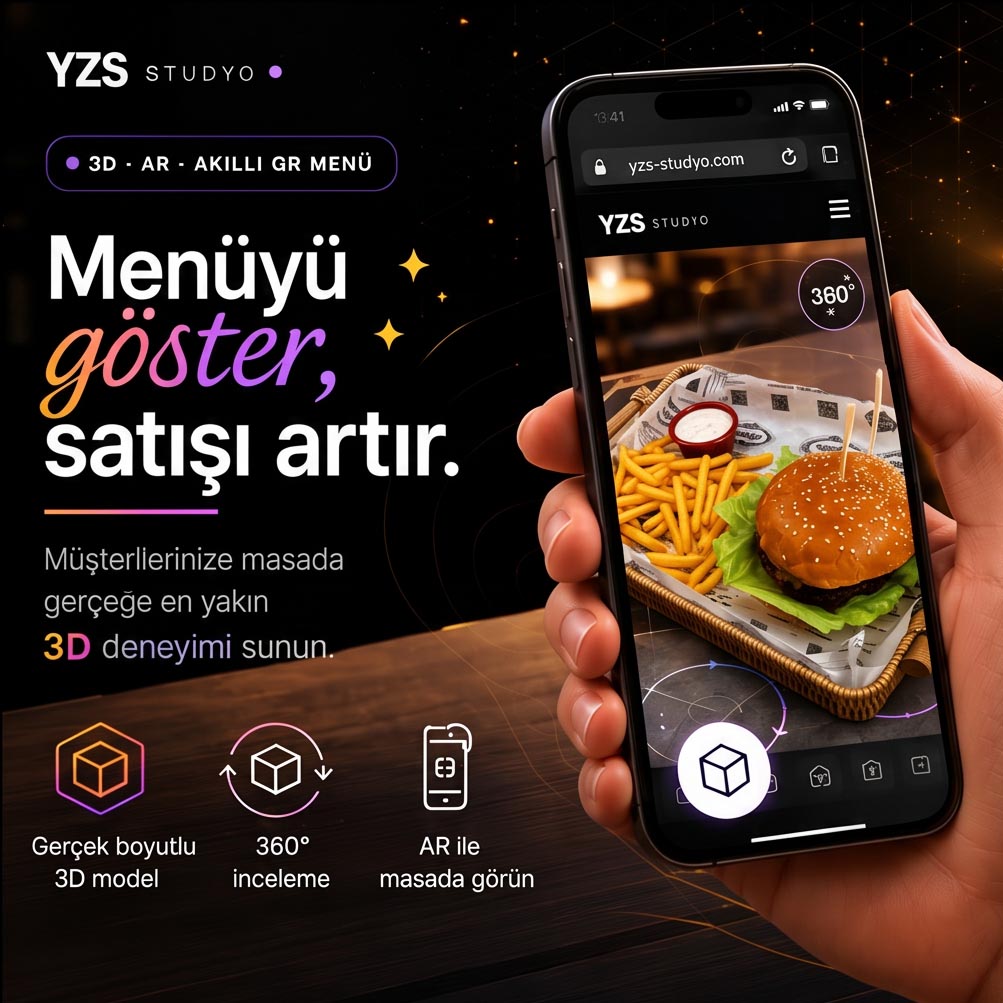
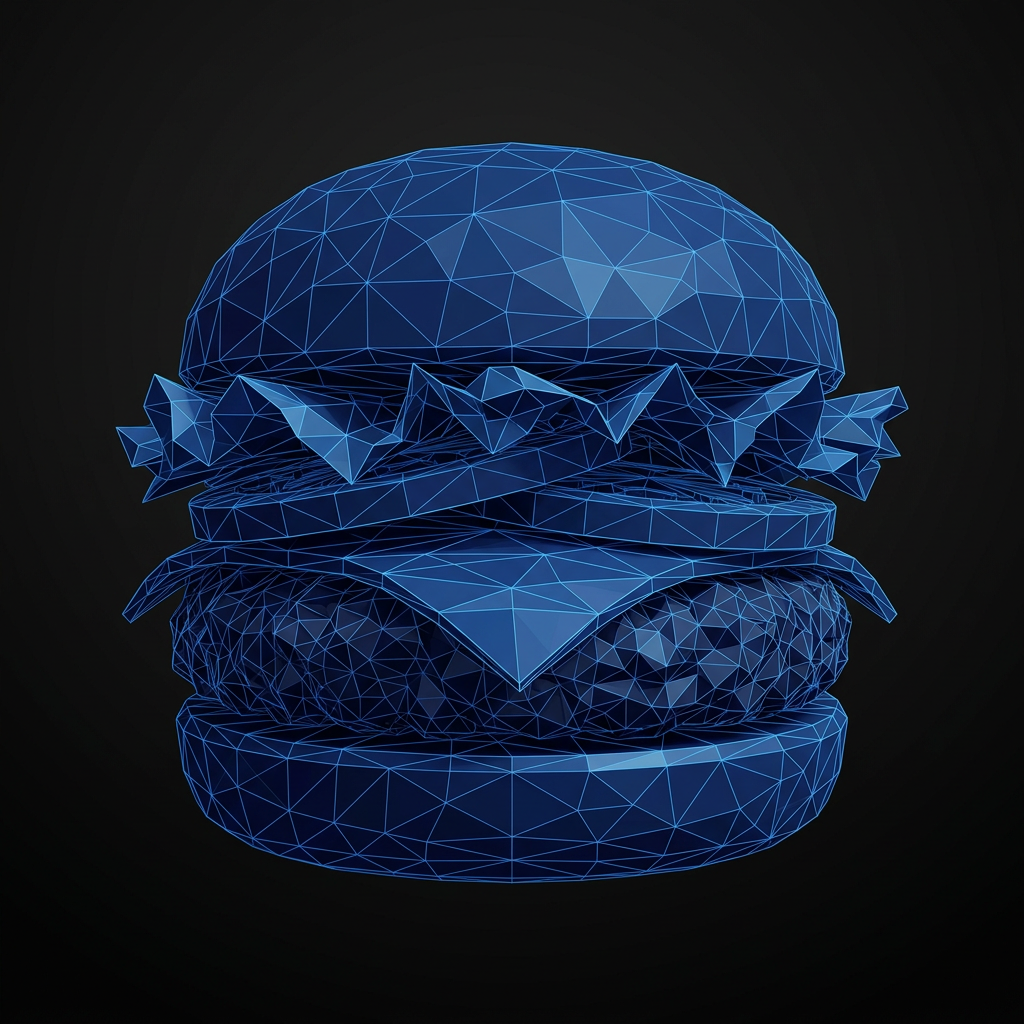
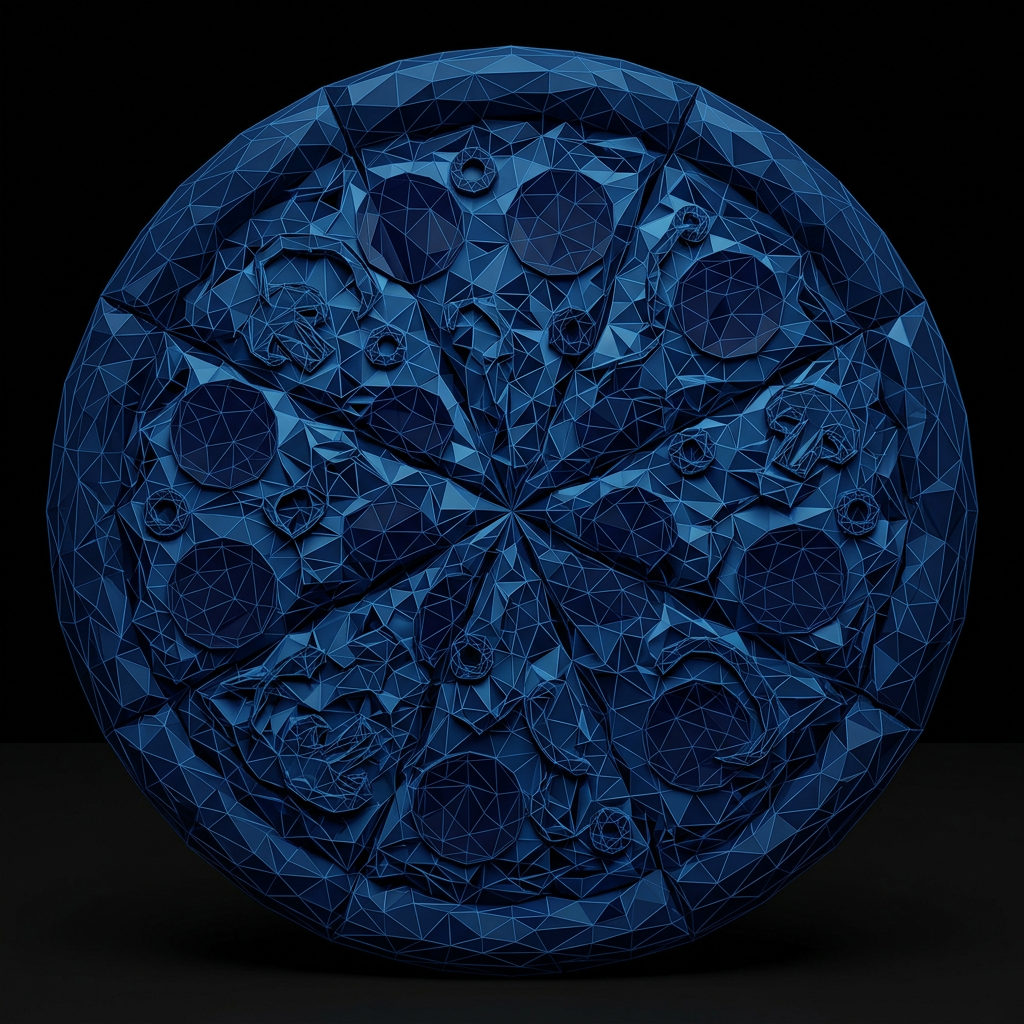
Turn any dish into a 3D model in one click. Your guests scan a QR code and see the meal on their table in AR — no app to download.
We’d rather show you than tell you about it.
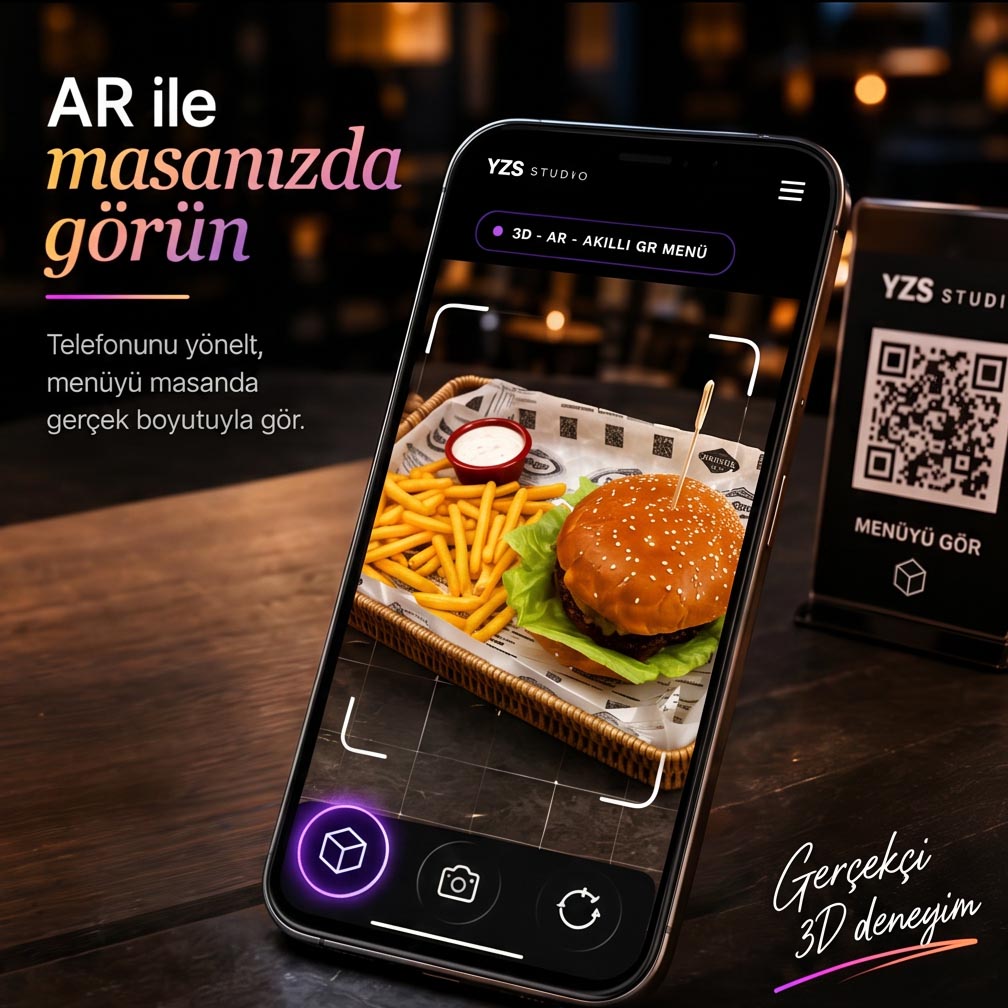
Your guest scans the QR code and sees the dish at full size on their own table. No app, no account. Watch the video — it takes 20 seconds.
- Scan the QR, the menu opens instantly
- Spin the dish 360°, see the portion
- Place it on your table, view it at real size
How It Works
Four steps to
your 3D AR menu
Upload a Photo of the Dish
Snap the dish with your phone and upload it to the dashboard. No professional gear needed.
Generate 3D in One Click
AI builds a true-to-size 3D model from the photo in seconds. No waiting, no studio.
Design the Menu & Get Your QR
Pick your theme, brand colour, categories and prices. Your menu is ready instantly and the QR code is generated for you.
Guests See It in AR
Put the QR code on the table. Guests scan it and spin the dish 360° right on their own table — with nothing to install.
No printing, no waiting
Set up your menu in minutes and update it whenever you like. All your guests need is one QR code.
Your dish, on your guest’s table at real size
Turn a photo of your dish into a 3D model in seconds with AR technology. Your guest scans the QR code with their phone and spins the dish 360° right on their table — with nothing to install.
- 📱No app — a QR code is enough
- 🍏🤖iPhone & Android
- 🔄Rotate 360°, zoom in
- ⚡Ready in seconds
Upload the image → generate 3D AR → share by QR
Yukarıdaki modeli sürükleyerek döndür · telefonda “Masanda görüntüle” ile AR
Mobilde anında AR · masaüstünde QR ile telefonda aç
Features that bring
your restaurant into the future
Digitise your menu with 3D and augmented reality. Guests choose by seeing the dish, and experience it right on their table — no app to install. Built for restaurants from the ground up.
True-to-Size 3D
Guests see the dish at actual size and spin it 360°. Portion and plating are obvious — no more "this isn’t what I expected".
3D model generated from a photo · GLB · model-viewer.
No App. Just a QR Code.
Guests scan the QR code on the table and see the dish on their own table in AR. Nothing to download.
Native AR on iPhone (Quick Look) & Android (Scene Viewer).
3D in Seconds
Upload a photo of the dish and AI builds the 3D model in seconds. No studio, no equipment, no technical skills.
Automated 3D pipeline + asset archive.
Instant Digital Menu
A digital menu shared by QR code. No print costs — one code opens the full menu, photos and 3D models.
One QR · mobile-friendly · opens on any device.
Multilingual Menu
Your menu in English, Turkish and Arabic with one tap. International guests browse in their own language, with right-to-left support for Arabic.
Automatic translation + language switcher + RTL.
Allergens, Calories, Ingredients
Add calories, ingredients and allergen data to every item. Stand out with badges like vegan, spicy, chef’s pick and new.
12 allergens + 8 badges · clear info for guests.
Designed for Your Brand
Personalise your menu with your brand colour, logo and cover image. Choose from 16 industry themes and 4 menu layouts.
AI menu background + theme + layout picker.
Instant Updates
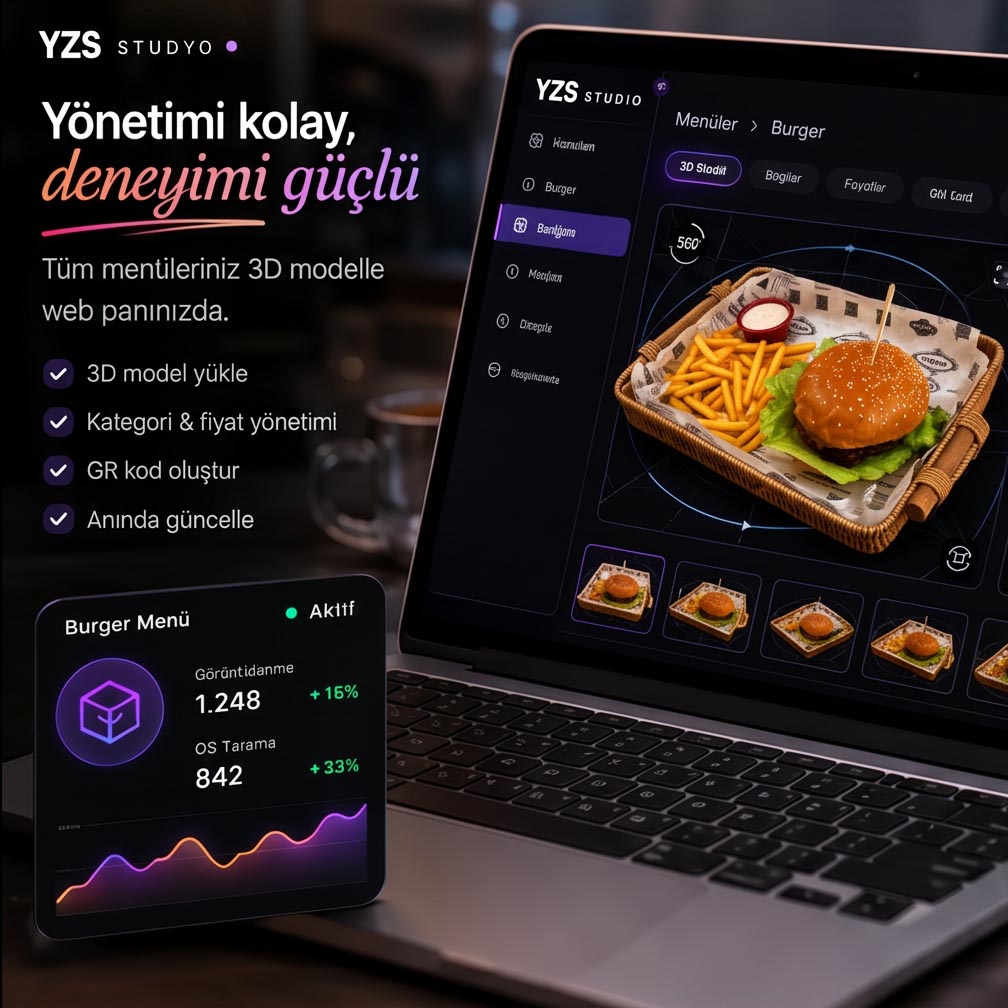
Price changed? Item sold out? Update in seconds and it’s live immediately. No reprinting, no new QR codes.
Changes appear on the live menu instantly.
Reporting
How many menu views? How many QR scans? Which dish gets opened in 3D the most? Track it from your dashboard and shape your menu around it.
Views · QR scans · most-opened items.
Paper Menu Scanning
Photograph your old paper menu and AI reads the item names, prices and descriptions, then builds your menu automatically.
Photo to digital menu · review, edit, publish.
Concept Image Enhancement
Turn an amateur phone snapshot into a professional gourmet shot with one tap. The dish stays the same — the lighting and plating change.
Amateur photo → studio quality · dish preserved.
Reservations
Let guests book a table straight from the menu. Requests land in your dashboard instantly — approve or decline, and reach them in one tap.
Date · time · party size · managed from the dashboard.
Wi-Fi Details
Share your Wi-Fi password on the menu. Guests copy it or scan a QR code to connect in one tap — no more "what’s the password?".
Password card + auto-connect QR code.
Today’s Specials
Flag the dishes you want to push today. They appear in a dedicated strip at the top of the menu with a "Today" badge.
One tap to flag · pinned to the top of the menu.
Call Waiter & Request Bill
No more waving for attention. Waiter, water or the bill — one tap. The request reaches your dashboard with the table number.
Waiter · water · bill · instant notification.
Share on Social
Guests share the 3D view to Instagram or WhatsApp in one tap. Free advertising for your restaurant.
3D visual + menu link · every app.
Google Maps Directions
Your location, built into the menu. Guests tap "Directions", Google Maps opens and navigation starts.
Maps link or address · directions in one tap.
A QR Code for Every Table
Each table gets its own code. When scanned, calls and requests are automatically tied to that table — you always know who called from where.
Table number detected automatically · no mix-ups.
A 3D AR menu for your restaurant
Share it by QR code and let guests see it on their table in AR. Every feature, one package.
Why the YZS
3D AR Menu?
Compare it with classic QR menus and tablet POS systems. App-free 3D & AR, instant updates and the real cost — all in one table.
| Feature | YZS 3D AR Menu | Other QR menu / POS |
|---|---|---|
| Does it need an app? | No — just a QR code Guests view it straight from their phone camera | Yes — download required |
| 3D dish preview | Yes — true size, on the table in AR iPhone (Quick Look) + Android (Scene Viewer) | No — flat photos only |
| Setup time | 5 minutes Add item · generate 3D · share QR | 1 – 4 weeks |
| Monthly cost | $100 2 months free on annual ($83/mo) · unlimited items | $150 – $500+ |
| POS / hardware required | None — works without hardware All you need is internet and a QR code | Dedicated tablet/POS required |
| Menu updates | Instant — from the dashboard Guests see it on their next scan | Requires a reprint |
| Multiple languages | Automatic — 8 languages Instant AI translation, fully editable | A separate menu design per language |
| Calling a waiter | One tap from the menu WhatsApp + dashboard bell + mobile notification | None — the old-fashioned hand wave |
Pricing
Two studios,
transparent pricing
A 3D AR QR menu for restaurants — no POS system to buy, it works on its own. Unlimited items, AI 3D, multiple languages and on-table AR all included.
- True-to-size 3D models — the portion is obvious
- On-table AR preview (on your guest’s phone)
- Instant digital menu via QR code
- Unlimited items, categories and 3D models
- AI-generated menu backgrounds for your venue type
- 16 industry themes + 4 menu layouts
- English · Turkish · Arabic, automatically
- Allergens, calories, ingredients + badges
- Custom brand colour, logo and cover
- Instant updates — zero printing cost
- Everything in the monthly plan
- Pay for 10 months instead of 12 (17% off)
- Priority 3D generation queue
- Unlimited menu updates all year
- Menu available 24/7, automatically mobile-ready
- Priority WhatsApp support
All plans include English support · Cancel anytime · No setup fee
Frequently Asked
Your questions,
answered
Upload a photo of the dish to the dashboard and hit "Generate 3D". AI produces a true-to-size 3D model in a couple of minutes — no studio or special equipment required.
No. They just scan the QR code with their phone camera — the menu and AR open straight in the browser (supported on iOS and Android).
English, Turkish and Arabic. The menu opens automatically in the language of the guest’s phone, and you can translate and save it with one tap.
No. The 3D AR menu works on its own — you don’t have to change your existing till or setup.
It’s instant. A price or item change reaches every table within seconds — with zero printing cost.
$100 per month, or $1,000 per year — which works out to 2 months free ($83/month). Unlimited items, 3D models, AR and multilingual support are all included.
Everything about 3D & AR menus
New to AR menus? These short guides explain how they work, what they cost, and how they compare — plus tailored pages for restaurants, cafés and hotels.
What is an AR menu?
A simple guide to the basics.
How AR menus work
The technology, step by step.
AR menu vs QR menu
What’s the real difference?
No app needed
How WebAR works in the browser.
How much does it cost?
AR menu pricing explained.
For restaurants
Let guests see the dish first.
For cafés
Show off signature drinks in 3D.
For hotels
Multilingual 3D menus for guests.
Take your brand to
a new standard
Start with the free trial. No credit card required. Get your first result in seconds.